How to connect a measuring app to your wall art order
Guessing wall art size from memory is how buyers end up with a print that looks small on a big wall. A measuring app turns your phone into a tape measure and a visual preview, so you can lock the measuring app wall art size before you order from Barksdale Fine Art.
- Measure the wall with a phone measuring app in 2026, then pick a print size from those numbers.
- Barksdale Fine Art prints suit a measure-first workflow: wall width, furniture width, then print size.
- Phone measuring apps drift on long or glossy surfaces. Confirm key numbers with a tape measure.
- Rule of thumb: art fills roughly two-thirds of the furniture width below it.
Why this matters
The most common wall art mistake in 2026 is buying a print that is too small for the wall. A measuring app fixes that in minutes. You get exact wall dimensions, a clear target size, and a placement you have already seen on your own wall.
Verdict: a phone measuring app plus a paper-template check is the fastest way to choose a Barksdale Fine Art print size, best for buyers who have a specific wall in mind.
Before you start
- A smartphone with a measuring app. The built-in Measure app on iPhone or a free AR measuring app on Android both work.
- The wall or furniture you are hanging above, plus a clear view of it with decent lighting.
- The gotcha: AR measuring apps lose accuracy on blank white walls, because the camera needs surface texture to track. Tape a few strips of painter's tape on the wall, or turn on every light, before you start.
Keep a notes app open. You will record three numbers: wall width, furniture width, and the usable height.
Set up your wall measurement
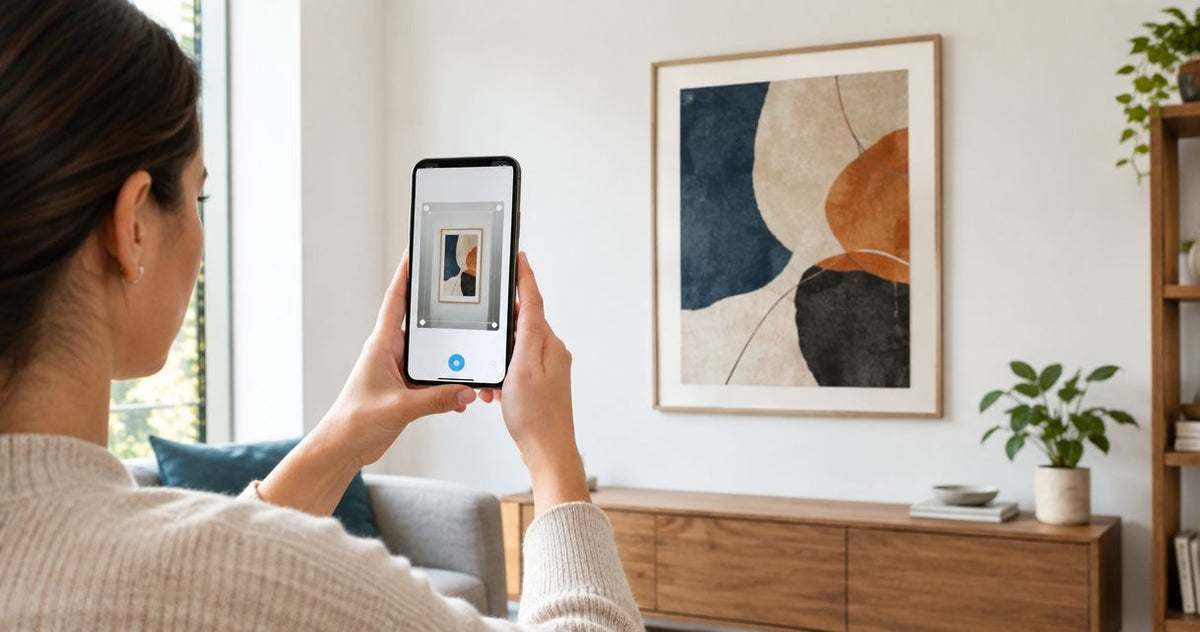
- Open the measuring app and point the camera at the floor or wall until the tracking dots settle.
- Tap Add point (or the plus button) at the left edge of the usable wall space.
- Move to the right edge and tap again. The app displays the width.
- Repeat vertically from the furniture top or baseline to the ceiling or the highest point you want art to reach.
- Write both numbers down in inches.
Expected result: you have two numbers, usable width and usable height, that match a tape measure check within about an inch. Verify one of them with a physical tape before moving on.
Measure the furniture below the art
Art reads as part of a group when it relates to the furniture under it. Measure the sofa, console, bed headboard or mantel the same way you measured the wall.
- Tap the left edge of the furniture piece, then the right edge.
- Record that width.
- Multiply by 0.66 to get a target print width. A 72-inch sofa points to a piece near 48 inches wide.
Expected result: a target width for the art. For large walls, the guide to fine art wall art prints ranked by size for large walls helps you match that target to a print.
Preview the print on your wall
Measuring gives you a number. A preview shows you whether it feels right.
- Cut kraft paper or taped newspaper to your target width and height.
- Tape it on the wall at the planned height. Center it over the furniture.
- Stand across the room and look. If it feels small, add 4 to 6 inches and re-tape.
- Photograph the wall with the paper up, then use the measuring app's line tool on the photo to confirm the final dimensions.
The center of the art should sit around 57 inches from the floor, a standard gallery eye level. Measure that height with the app and mark it with a pencil dot.
Expected result: a taped template that confirms your size, plus a height mark.
Choose a print once you have the size
With dimensions locked, match subject to the room. Landscapes suit living rooms, and the best landscape wall art prints for living rooms guide narrows the options. Whatever you pick, check the size options on the product page against your measured target before checkout.
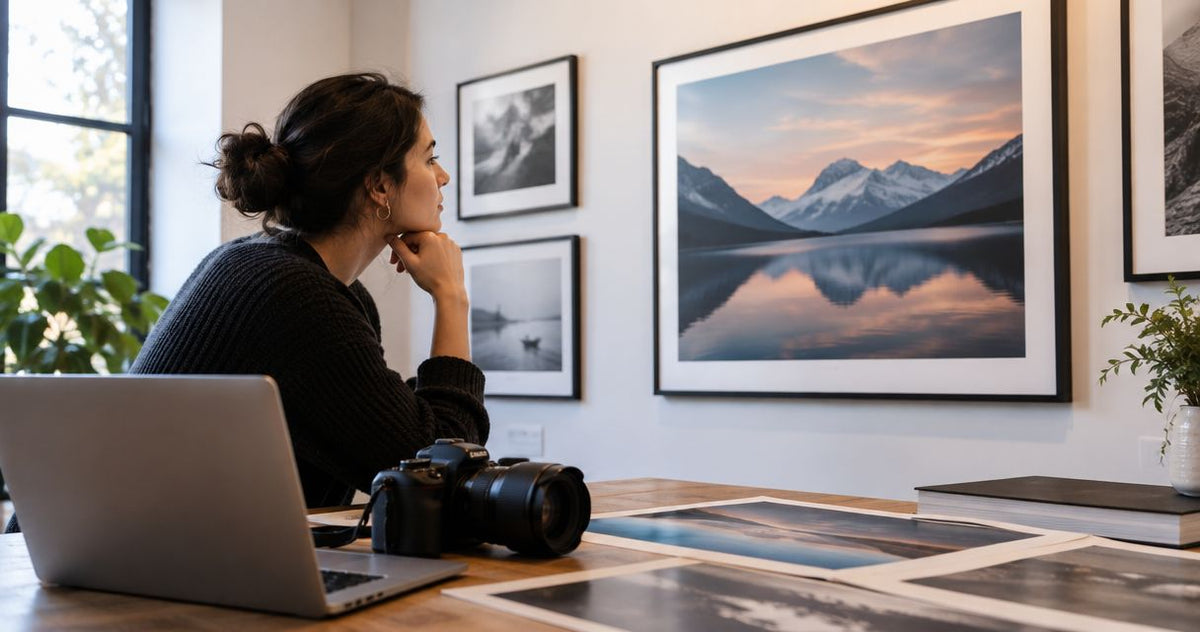
A few Barksdale Fine Art photographs that work for statement walls:


Second variant: re-measure when the room changes
New sofa, new paint, new layout? Repeat the furniture measurement. The wall stays the same, but the target width follows the furniture. If you are repainting too, read how to automatically match wall art to your paint color before you order.
Troubleshooting
- The app says "move your device slowly" and never locks. The wall is too plain or the light too low. Add painter's tape marks or turn on more lights.
- Two measurements of the same wall differ by more than an inch. The camera drifted. Restart the app, start from a textured surface, and re-measure. Trust the tape measure.
- Numbers look right but the print feels small in the room. You measured the wall, not the sightline. Go back to the paper template and add 4 to 6 inches.
- Measurements are in centimeters. Switch units in the app settings, or multiply by 0.394 to get inches.
- Glossy or mirrored surfaces will not track. Measure from the adjacent matte wall edge instead.
FAQ
What is the best measuring app for choosing wall art size?
The built-in Measure app on iPhone or any free AR measuring app on Android works. Accuracy matters less than the method: record wall width, furniture width and height, and confirm one number with a tape measure.
How big should wall art be above a sofa?
Aim for about two-thirds of the sofa's width. A 72-inch sofa points to art near 48 inches wide, either one large piece or a grouped set.
How high should I hang a print?
Center the print about 57 inches from the floor. Over furniture, leave roughly 6 to 10 inches between the furniture top and the bottom of the frame.
Are phone measuring apps accurate enough for ordering art?
They are accurate enough for planning, usually within an inch under good light. Confirm your final width with a physical tape measure before you order.
Can I preview a print on my wall before buying?
Yes. Tape a paper template at your target size and view it from across the room. A room visualizer app adds a rendered preview, covered in the guide on connecting a room visualizer app to your art order.
Should I measure with the frame included?
Yes. Measure the full finished dimensions you want on the wall, then work backward to the print size if the frame or mat adds width.
Customize your workflow
Once your measurements work, add a visual step. The guide to connecting a room visualizer app to your art order pairs your measured dimensions with a rendered preview. Browse the full collection at Barksdale Fine Art once your target size is set.
One last thing
Measure twice, but also measure the entry path. A 60-inch print that fits the wall still has to pass through doorways and stairwells. Measure the narrowest point in the route with the app before you order oversized art.